AI coding agents can now work on a single task for hours: a refactor that spans the whole codebase, a test suite that needs fixing, a move to a new framework version. But an agent is a process on the machine you started it on; close your laptop lid and it goes to sleep too. rdev is the product I built to solve this: it turns a Linux server you own into a ready development environment with AI agents. In this post I explain what rdev does, how it works and who it is for.
What is rdev?
rdev is a subscription that installs and maintains a complete development environment on a remote server you own. Your code, databases and agents live on that server and run around the clock; your laptop stays just the editor and the browser.
You do not rent a server from us. You get one yourself from Hetzner, DigitalOcean, Oracle, AWS or any other provider and pay that provider directly; rdev turns it into your daily workspace.
Key Features
One-command install
Agents that keep working with the laptop closed, and replies from your phone
A ready environment: PHP 7.4–8.5, databases and services
An AI agent profile that knows the environment, plus MCP tools
A light laptop: Tailscale, file sync and
.dev.testaddressesTime-limited, password-protected previews
Backups of agent settings and projects
1. One-command install
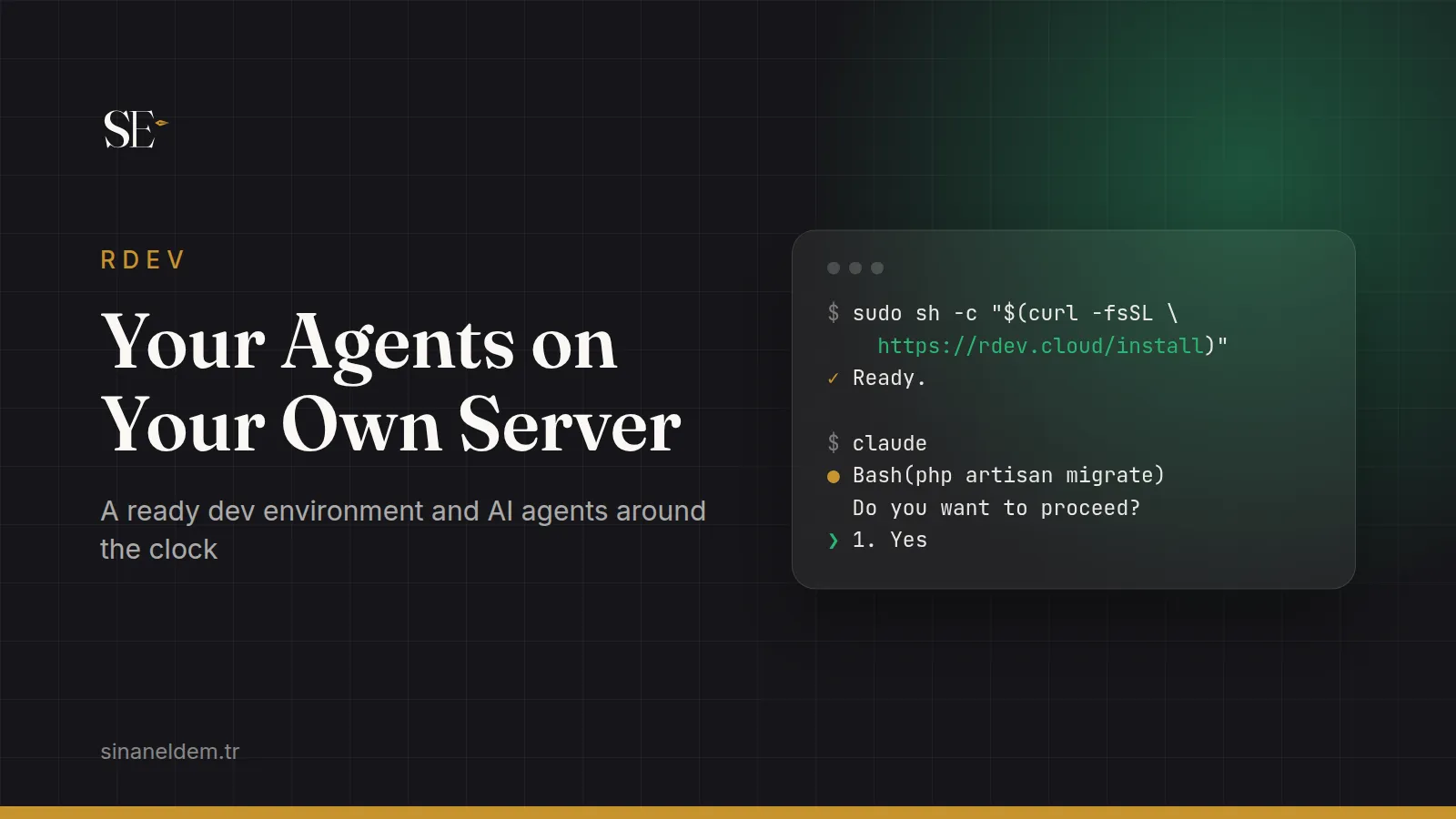
A freshly installed Ubuntu, Debian, Rocky Linux or AlmaLinux server (x86 or ARM) is all you need; you do not even install Docker. The install command asks for your license key and a Tailscale key and does the rest:
sudo sh -c "$(curl -fsSL https://rdev.cloud/install)"It sets up Docker, the container that holds the whole environment, the databases, the AI agent profile and the private network link between your laptop and your server. Because everything lives in a container, the host system stays clean.
Why it matters
No DevOps knowledge needed; you set the server up once.
A new laptop is ready in minutes, with nothing to reinstall.
At least 2 vCPUs and 8 GB of RAM are recommended; on the Team plan the server grows with the team.
2. Agents keep working with the laptop closed
Claude Code and Codex run on your server, not on your laptop. Every terminal on the server is a persistent session: when you come back after closing the lid, or connect from another device, the agent is right where it was, with all its output.
When the agent stops for a question or an approval, the session waits on the server and your phone gets a notification, through the rdev iPhone app or your own ntfy, Telegram, Slack, Discord, Gotify or Pushover channel; the Android app is in testing and coming to the store soon. Open the session from your phone in the server’s web terminal or any SSH app, answer, and the agent picks up where it stopped.
Why it matters
Long tasks finish overnight without you keeping the laptop open.
No spinning fans or drained battery; the heavy work happens on the server.
The Agents page in the panel shows which sessions are running or waiting for you.
3. A ready development environment
Every PHP version from 7.4 to 8.5 is ready; each site opens at https://<name>.dev.test with trusted HTTPS, and you pick the PHP and Node.js version per site. Python, Ruby, Node.js, Go, .NET, Java and Flutter are installed only when you add a project in that language.
Services are installed the first time a project needs them, in the version you choose: MySQL, MariaDB, PostgreSQL, MongoDB, Redis, Meilisearch, Typesense, Elasticsearch, Qdrant and S3-compatible RustFS. A mailbox that catches outgoing e-mail and a dump server are built in. Giving a project a service is one line:
rdev project service shop postgresrdev installs and starts the service, creates a database named after the project and writes the connection settings to the project’s .env; on a new Laravel project it also runs the migrations on the empty database. You can add a project straight from a Git repository, services included:
rdev project add shop --git git@github.com:you/shop.git --service mysql --service redisQueue workers, Horizon, Reverb and scheduled tasks run as processes that rdev manages.
4. Agents that know the environment: profile and MCP
rdev ships with a ready AI agent profile, so your agents know how the environment works from day one. Claude Code, Codex, opencode, Qwen Code, GitHub Copilot CLI and Gemini CLI are fully supported; Cursor CLI and Antigravity CLI get the shared rules and MCP access. All agents share the same AGENTS.md rules.
With rdev’s MCP server, agents create sites, add databases and services, install PHP extensions, start queue workers and read logs themselves instead of asking you. A checkpoint is taken before every agent turn, so you can undo a change you do not like in one step.
You can also run the agents on other providers’ models: add a key for DeepSeek, Kimi, GLM, Qwen, OpenRouter, Groq, xAI, Mistral or your own Ollama server and ready shortcuts such as claude-deepseek or codex-ollama work. The key is encrypted in your browser for that server; the panel never sees it.
5. Your laptop stays light
Your laptop connects to the server over your own Tailscale network. The rdev laptop app for macOS, Linux and Windows connects Tailscale, keeps the project files in two-way sync and sets up .dev.test name resolution and a certificate your laptop trusts. You edit files in the editor you already use, VS Code or PhpStorm, while the code runs on the server.
6. Showing work to a client: previews
You can show a site on your server to someone outside your tailnet, a client for example, with a time-limited address and a password:
rdev preview start shop --for 2hThe command prints a public address over Tailscale Funnel, a user name and a password; the preview stops by itself when the time runs out (at most one day). Visitors reach your server through Tailscale directly, not through rdev.cloud.
7. Backups
Your agent settings, rules and skills are backed up every night to a git repository you own (credentials and keys excluded), so your agents come back exactly as they were on a new server. This is on every plan:
sudo rdev backup setup git git@github.com:you/rdev-settings.gitOn the Pro and Team plans your databases and your ~/Code folder are also backed up, encrypted, every night to an S3-compatible bucket you own: Amazon S3, Cloudflare R2, Backblaze, Hetzner or your own MinIO.
Security and Privacy
Your code stays on your server. Your code, databases and agent conversations never reach us.
Your server always starts the connection. It talks to us only for license checks and signed update downloads; we never connect to your server.
The network is yours. The tailnet belongs to your Tailscale account; rdev never joins it.
Agents talk to their providers directly. You connect your own Anthropic or OpenAI account; we do not see your prompts or usage.
Plans and Pricing
Every plan includes the full development environment; plans differ in the number of servers, the agent profile, backups and support:
Single: $12 a month; one server, the base agent profile.
Pro: $24 a month; up to 3 servers, the full agent profile with skills, agents and model routing, nightly S3 backups.
Team: $19 per user a month; unlimited servers, a container for each developer, shared team rules and central backups.
Paying yearly gives you about two months free. There is no free trial, but the first payment comes with a 14-day money-back guarantee. The server and the agents’ model usage are not included; you pay your providers for those directly. See Plans and pricing for current prices.
Who Is rdev For?
Developers who run AI agents for long stretches: the agent keeps working on the server all night.
Freelancers and agencies: anyone who wants many client projects, especially Laravel and WordPress sites, in one place.
Teams: anyone who wants their code to stay on servers they control.
A local setup is free and works offline, but the agent stops when the laptop sleeps; hosted environments such as GitHub Codespaces bill by the hour and shut down when idle. rdev runs around the clock for a fixed server price and a fixed plan price, with root access and the data staying with you. In return, you need a server and an internet connection to reach it.
Getting Started
Get a server; the panel can create one for you on Hetzner, DigitalOcean and other providers in one click.
Create an account on rdev.cloud, pick a plan and run the install command on the server.
Install the laptop app and connect to your server; add your first project from the panel or with
rdev project add.Start an agent in a terminal with
claudeorcodex, give it the task and close your laptop.
Conclusion
I built rdev for myself first: today I develop all my projects, this site included, in an environment rdev set up. Being able to give an agent a long task and walk away from the computer, and to answer it from my phone when it asks, changed how I work. If you want your agents to run independently of your laptop, on your own server and under your own control, I recommend giving rdev a try.
Source: rdev.cloud and the rdev documentation.